Direct printer solutions for home & business · Certified Technicians
CERTIFIED PRINTER SOLUTIONS

Expert printer solutions
you can count on.

Printers should operate seamlessly. When errors interrupt your tasks, connect directly with qualified technicians for rapid setup, driver configuration, wireless connectivity, and comprehensive hardware troubleshooting.
Direct Phone Dispatch
All Major Brands
Zero Obligation Estimate
Technician Desk Active
Live Dispatch
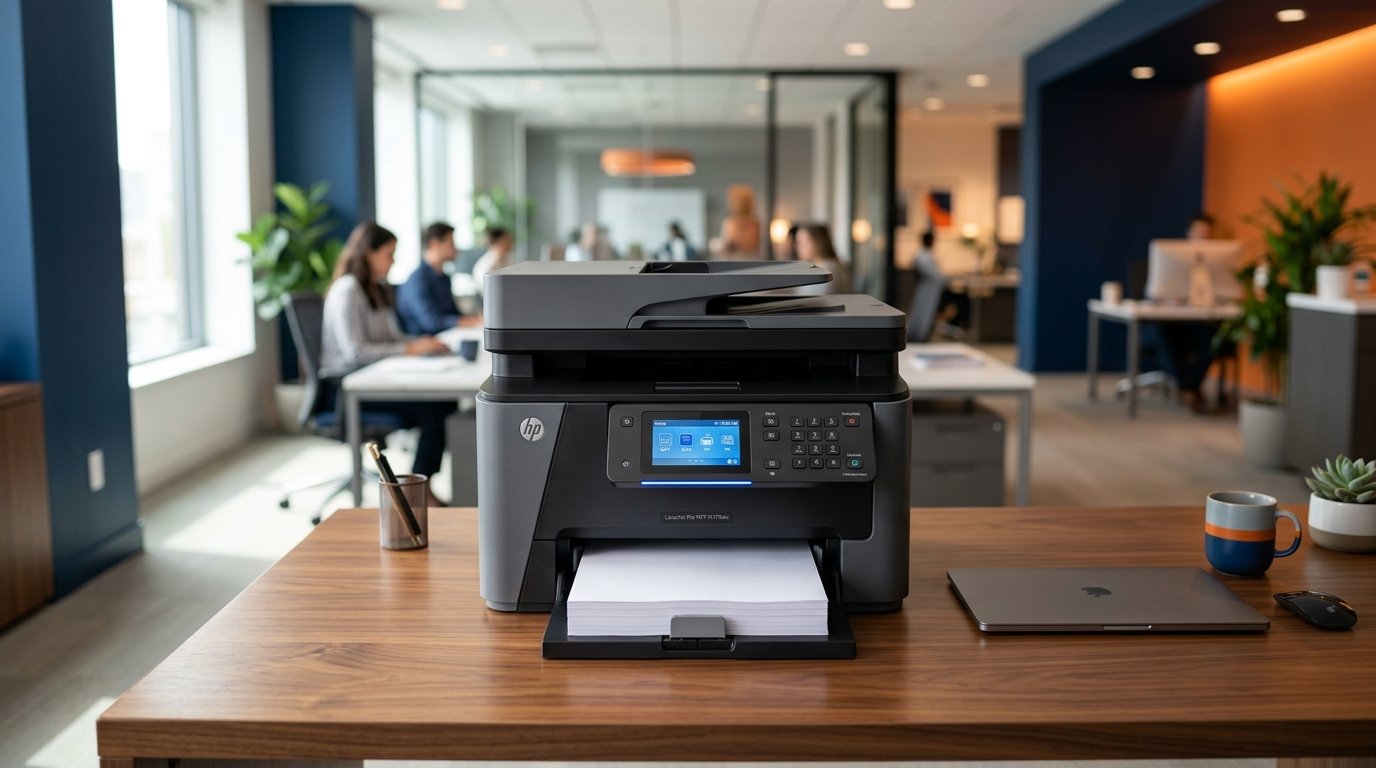
Wireless Office Laser Multifunction Printer
Wireless Office Laser Multifunction
High Speed Duplex Dual-Band Wi-Fi Auto Document Feed
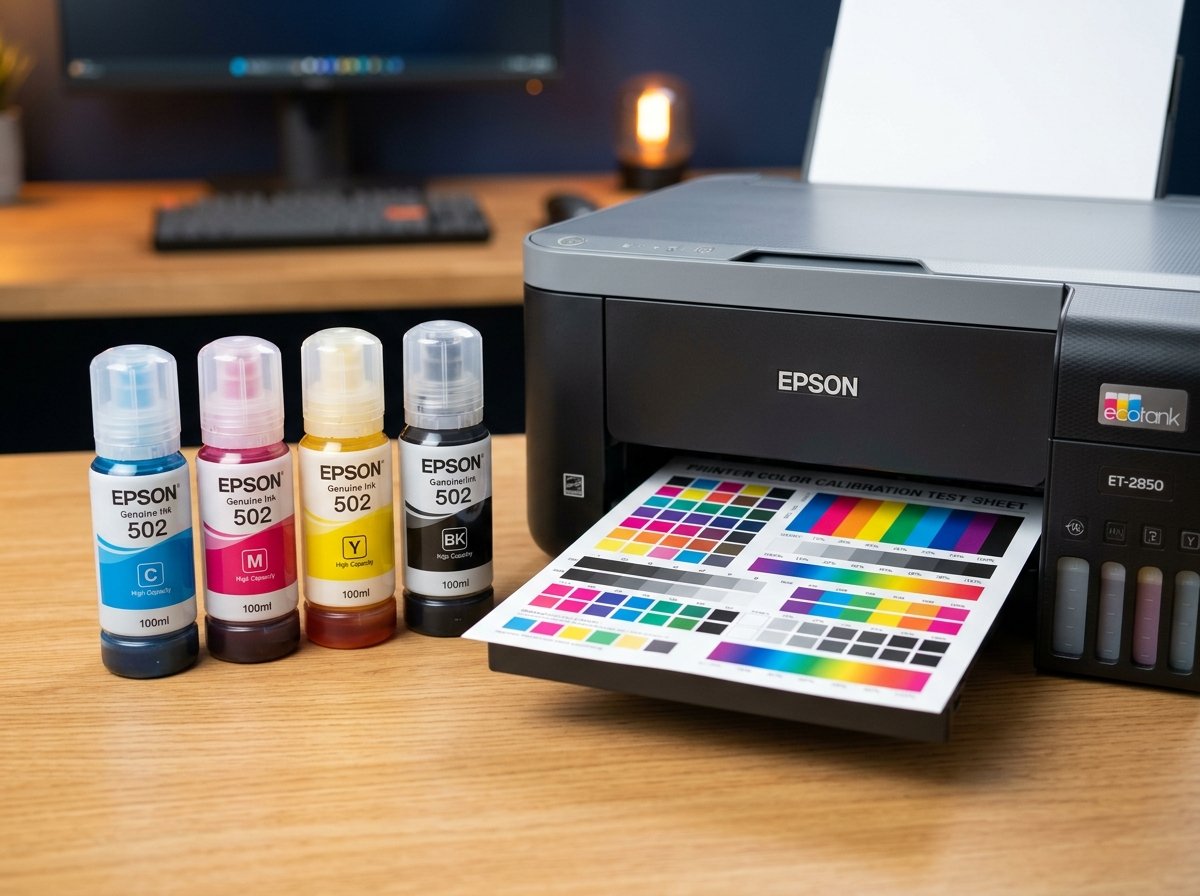
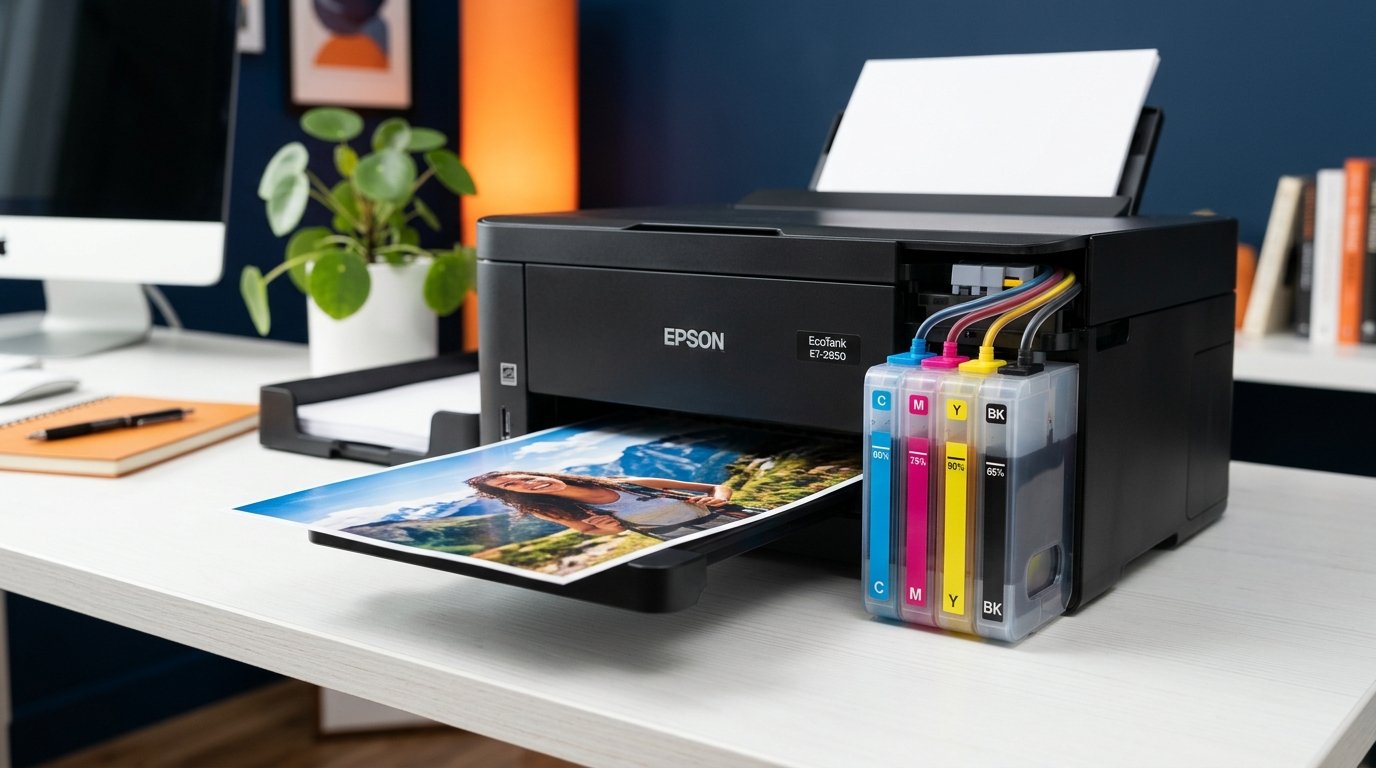
Continuous Ink Tank and Photo Color Printer
Continuous Ink Tank & Photo Color System
CMYK Calibration Precision Head Purge Zero Streak Quality
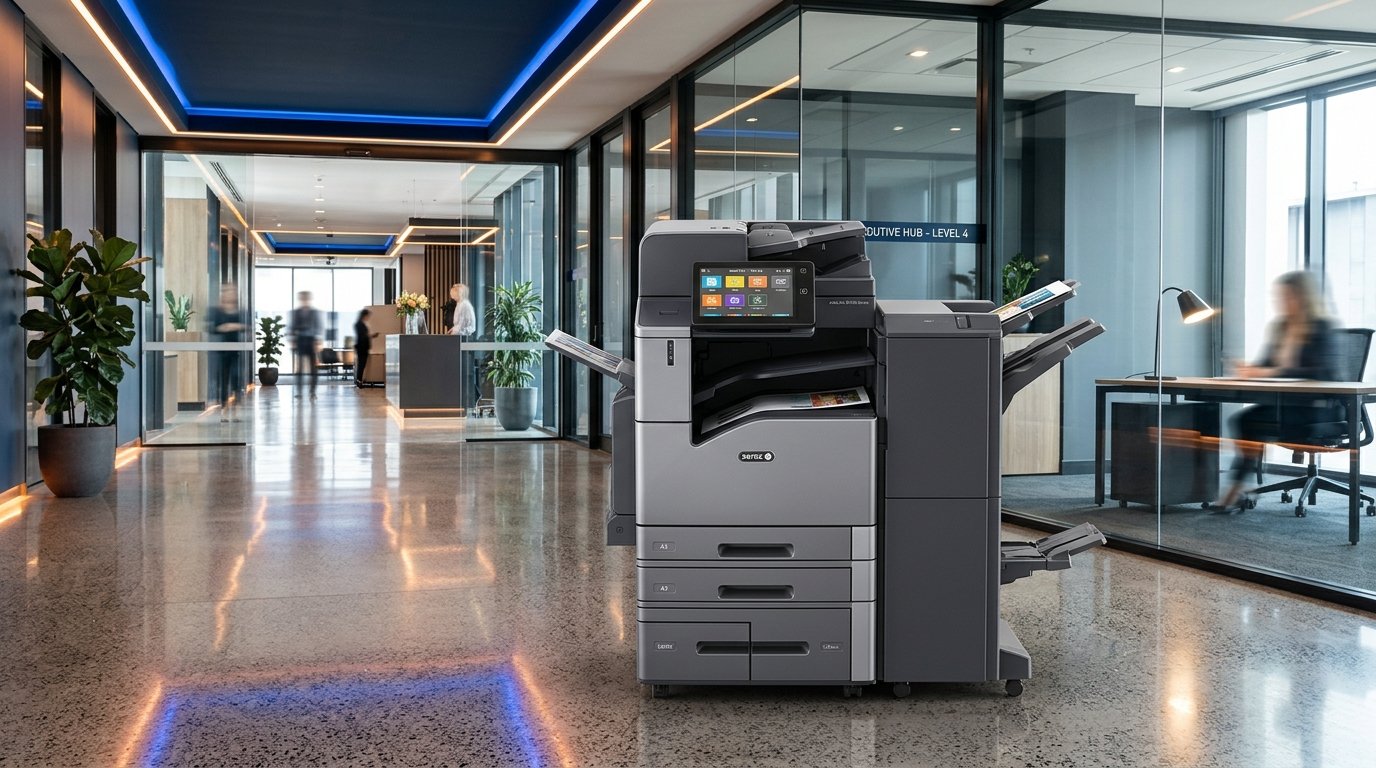
Commercial Enterprise Workgroup Copier and Laser Console
Commercial Enterprise Workgroup Copier
Secure PIN Release Subnet Static IP Multi-Tray Routing
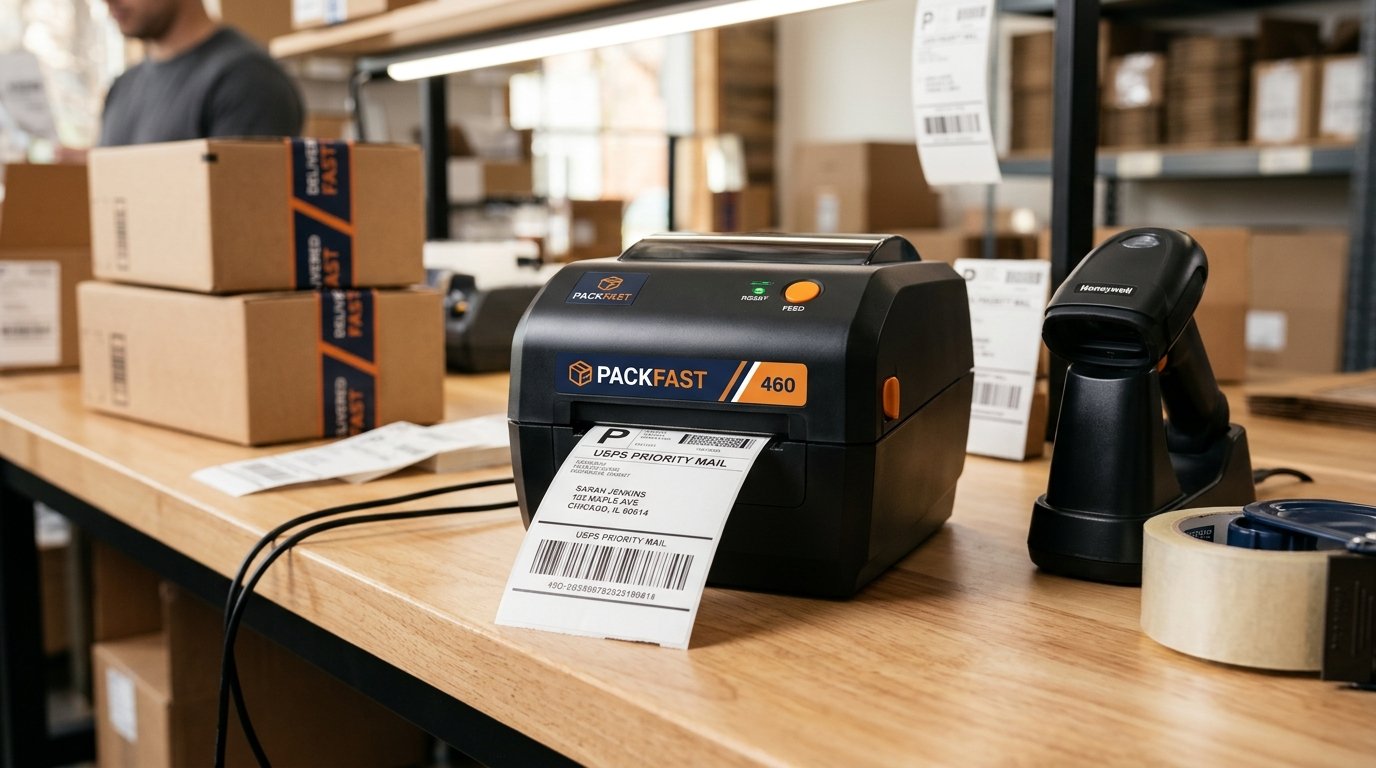
High-Speed Thermal Shipping Label and Barcode Printer
High-Speed Thermal Label & Shipping Maker
4x6 Barcode Calibration Zero Ink Thermal E-Commerce Sync
BRANDS RESOLVED:
HP Canon Epson Brother Xerox Lexmark Ricoh Pantum Samsung Kyocera
SPECIALIZED PRINTER SERVICES

Printer problems we resolve daily

Distinct printer models require tailored technical methods. Select your exact issue below for rapid diagnostic and remediation.
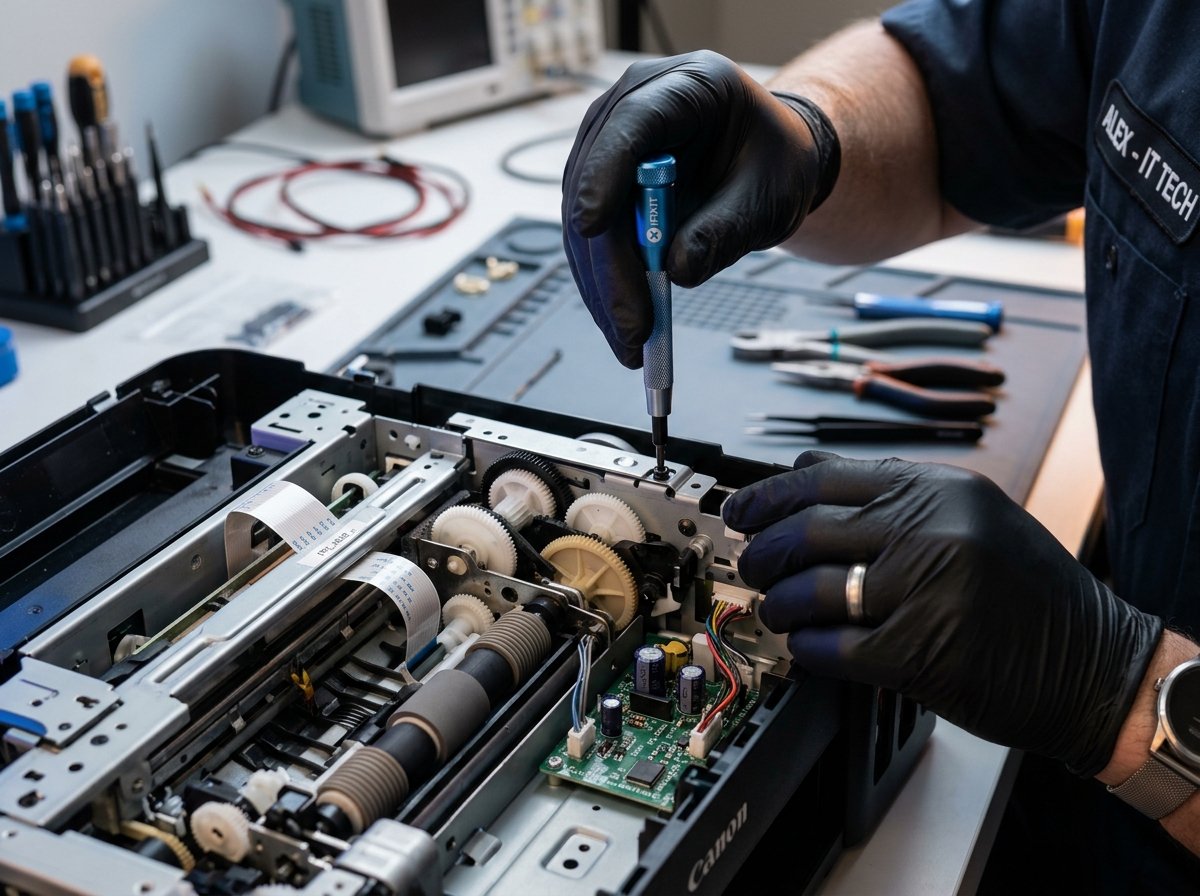
Printer Repair
Hardware & Mechanics

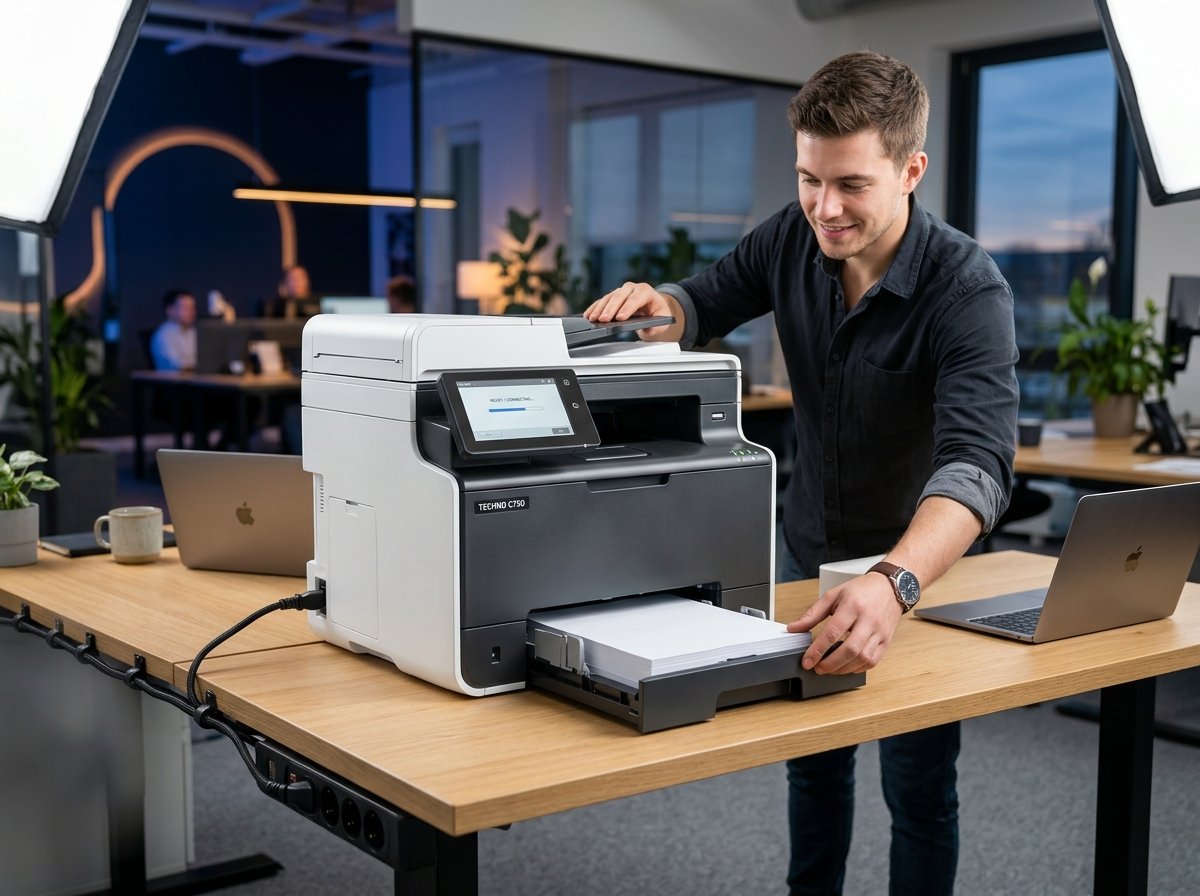
Printer Repair

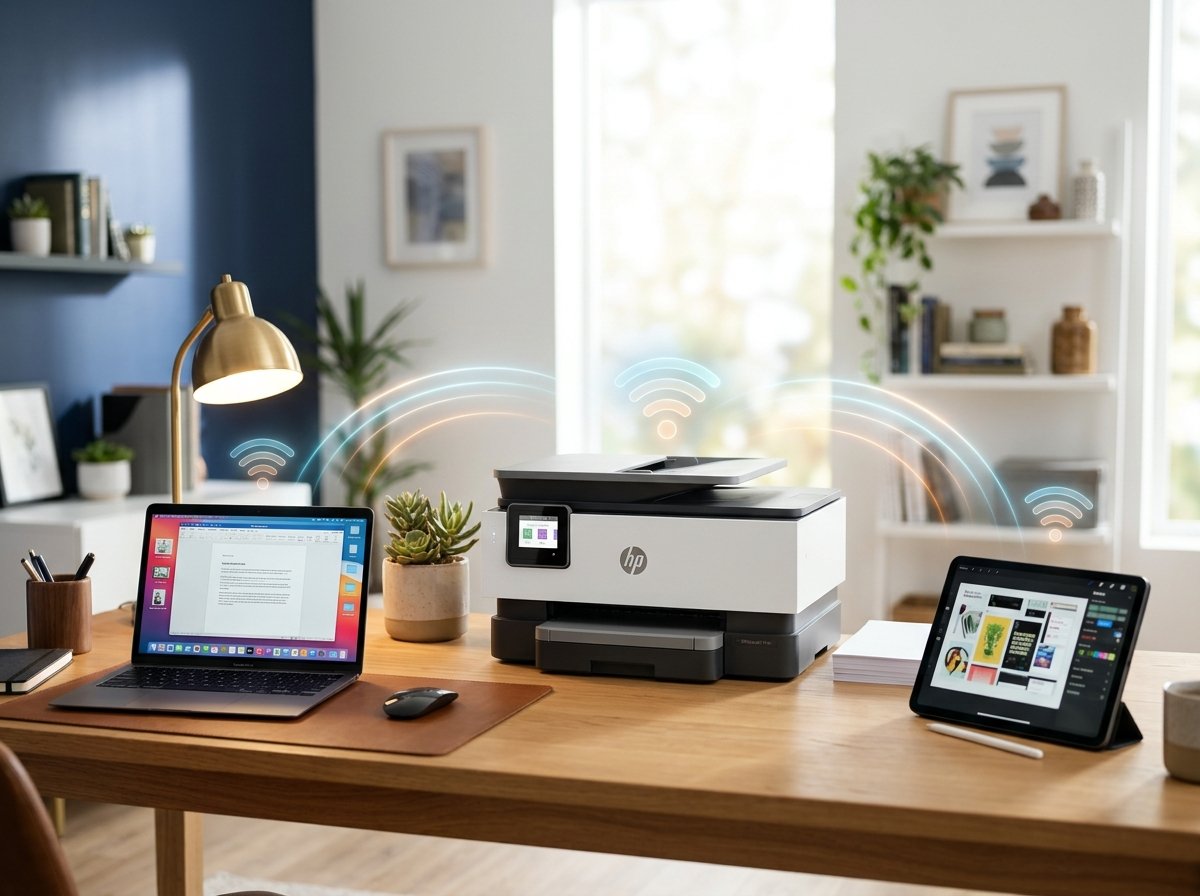
Fixing recurring paper jams, faulty feed rollers, mechanical carriage stalls, gear grinding noises, and hardware sensor defects.
  • Roller cleaning & pickup replacement
  • Carriage jam & belt re-alignment
  • Power supply & circuit diagnostics
Wireless Setup
Network Connectivity

Wireless Setup

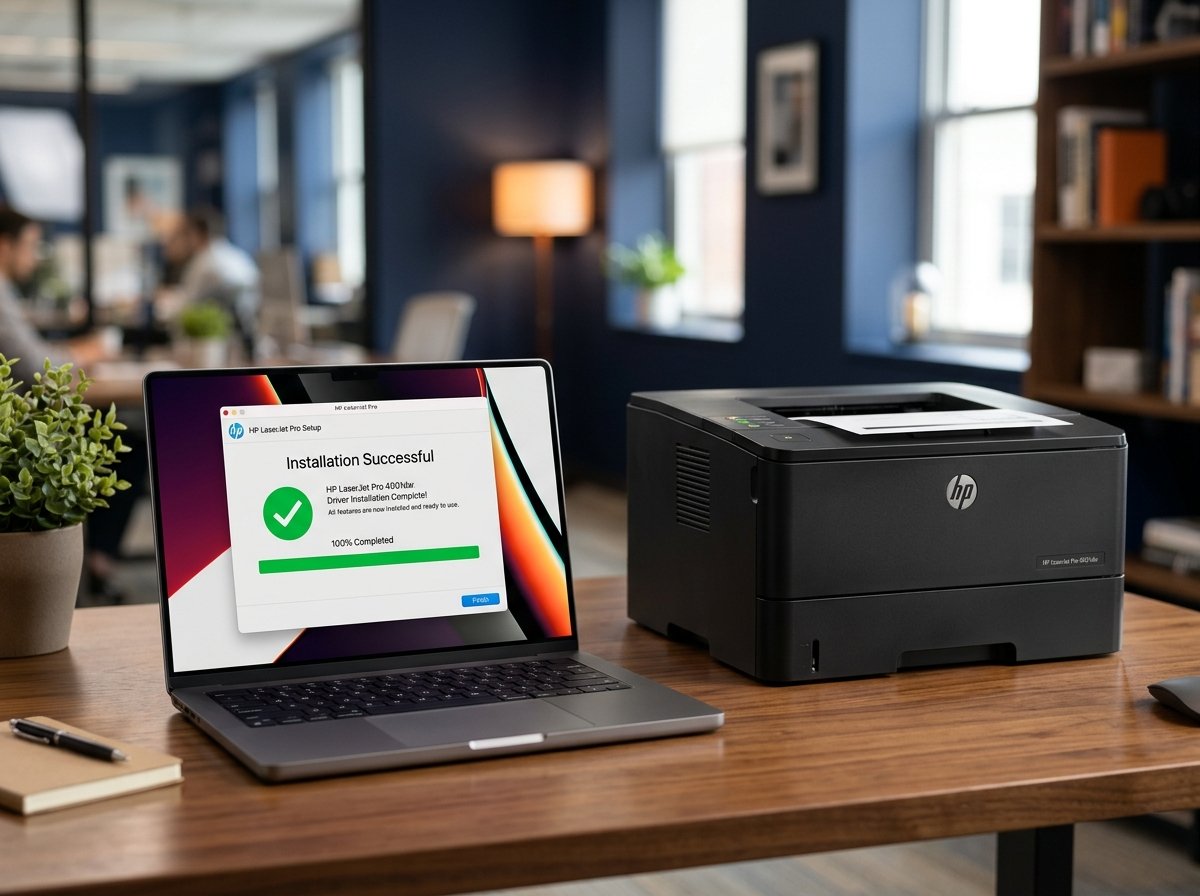
Seamless Wi-Fi configuration, router synchronization, dual-band network pairing, static IP reservation, and AirPrint / mobile printing.
  • 2.4GHz & 5GHz router pairing
  • WPS push button & PIN setup
  • Multi-device sharing (PC, Mac, Phones)
Driver Install
Software & OS

Driver Install

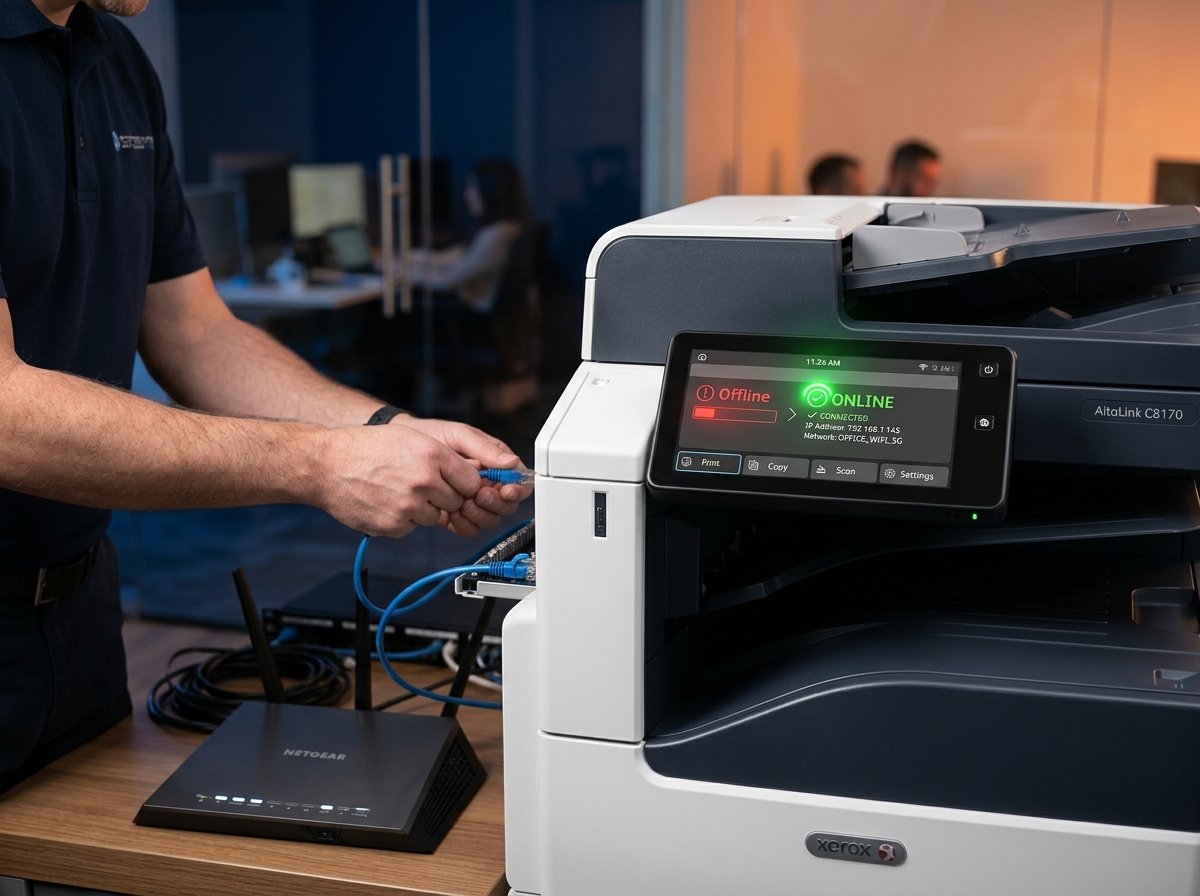
Official manufacturer driver installation, operating system patch updates (Windows 11 / macOS), print spooler rebuilds, and utilities.
  • Official 32/64-bit package installation
  • Corrupted driver removal & clean reboot
  • Scanning & OCR software integration
Ink Not Printing
Print Quality

Ink Not Printing

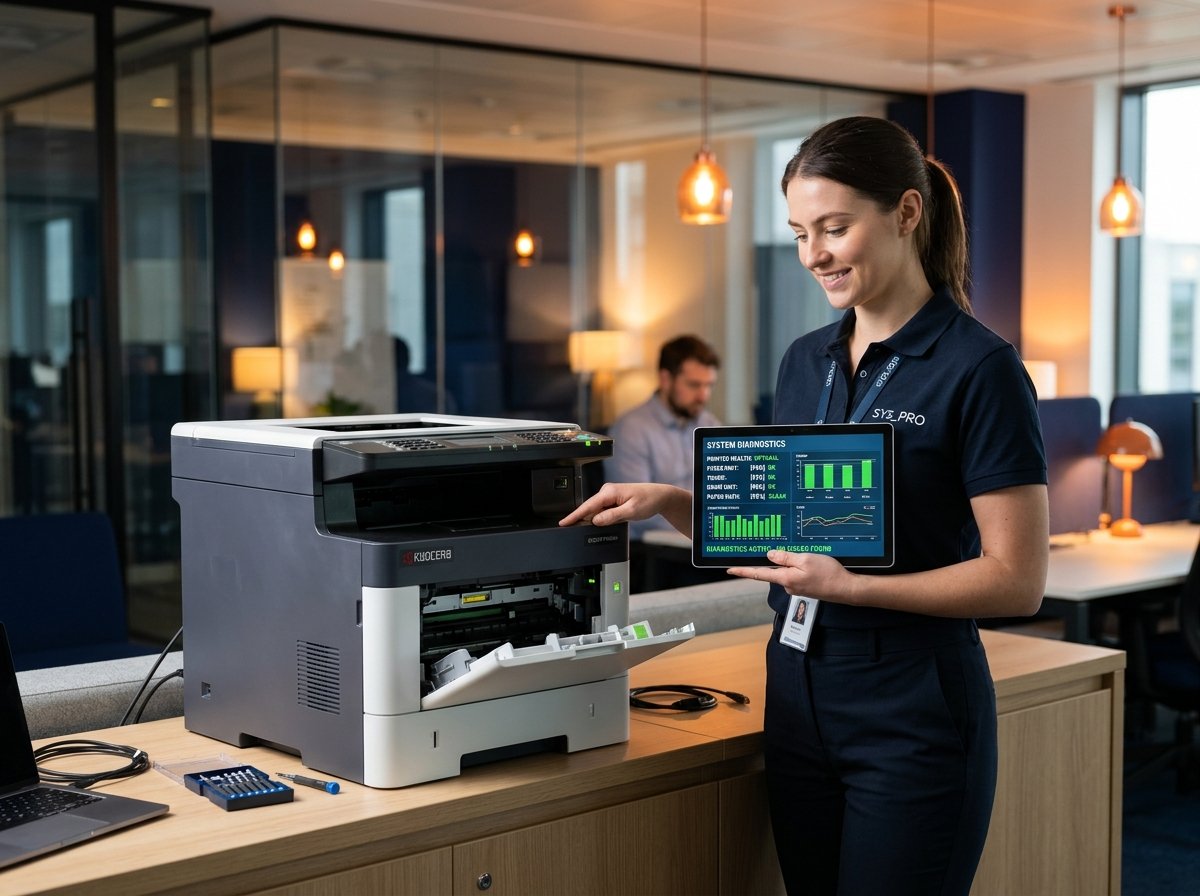
Clearing clogged printhead nozzles, correcting faded streaks, fixing blank page output, calibrating color densities, and resolving cartridge recognition faults.
  • Deep printhead purge & unclogging
  • Cartridge chip reset & contact cleaning
  • Color balancing & banding correction
Troubleshooting
Full Diagnostics

Troubleshooting

End-to-end diagnostic evaluation for flashing error codes, firmware bugs, ghosting prints, slow processing delays, and unidentifiable printer behaviors.

  • Alpha-numeric error code decoding
  • Firmware checks & secure patch updates
  • Full system performance verification
PRINTING SCENARIOS & ENVIRONMENTS

Solutions tailored to every environment

Printing requirements differ depending on where you work. Select your operational setup to view targeted solutions.

Home & Family Printing

From homework assignments to photo printing and family documents, personal inkjet and tank units frequently encounter dried nozzles after periods of inactivity or Wi-Fi disconnection when home routers reset.

Infrequent Usage Fixes
Purging dried ink deposits and maintaining fluid nozzle passage without wasting cartridge volume.
Mobile Device Printing
Direct AirPrint and Android wireless printing configuration for family smartphones and tablets.
Discuss Home Setup: +1 (848) 371-2817

Common Symptoms:

  • Blank sheets ejecting during school project printing
  • Printer vanishing from iPhone or iPad AirPrint list
  • Yellow or black color completely missing from photo prints
Our specialists guide you step-by-step or perform fast remote connection to restore family printing immediately.

Remote & Home Office

Remote professionals depend on seamless scan-to-cloud workflows, secure VPN printer passthrough, and dual-sided duplex printing. Network reconfigurations often sever printer driver connections.

VPN Compatibility
Allowing corporate VPN tunnels to communicate with local subnet printers without security breaches.
Scan-to-Email Routing
Configuring SMTP credentials, PDF compression, and direct document folder sharing.
Discuss Office Setup: +1 (848) 371-2817

Common Symptoms:

  • Printer works when disconnected from corporate VPN only
  • Scanner software fails to establish contact with Mac or PC
  • High-priority contract printing blocked by spooler hang
Get your executive workflow functioning smoothly with verified driver calibration.

Commercial & Departmental Workgroups

High-volume laser copiers and shared enterprise workgroup devices encounter duty cycle wear, IP address collisions, secure PIN release errors, and accounting code blocks.

Static IP & Subnets
Permanent network addressing to eliminate recurring 'Offline' dropouts across office workstations.
Tray & Media Matching
Configuring letter, legal, envelope, and cardstock trays to prevent paper size mismatches.
Commercial Line: +1 (848) 371-2817

Common Symptoms:

  • Multiple workstations queueing jobs with zero paper output
  • Laser toner fuser streaks and repetitive drum marks
  • Department print quota authorization failures
Minimize business downtime with dedicated specialist technical assistance.

Retail, Shipping & Thermal Printers

Zebra, Rollo, Dymo, and POS thermal units require precise label gap calibration, darkness adjustment, baud rate matching, and USB-to-virtual-serial configuration.

Label Sensor Calibration
Eliminating skipping labels, off-center barcodes, and continuous feed errors.
Shipping Platform Linking
Direct 4x6 label output from Shopify, Amazon Seller, ShipStation, and FedEx.
Thermal Line: +1 (848) 371-2817

Common Symptoms:

  • Labels feeding blank or stopping between perforations
  • Barcodes printing too light for warehouse scanners to read
  • Receipt printer failing to cut or disconnect after transaction
Fast response keeps warehouse fulfillment and checkout registers moving without delay.
OUR SIMPLE 3-STEP PROCESS

From issue to resolution in minutes

No long forms or complicated ticketing queues. We connect you directly with a qualified technical specialist right away.

1

Call Our Direct Line

Dial +1 (848) 371-2817 to connect directly with a qualified printer technician without navigating phone trees.

2

Describe the Symptoms

Explain your printer make, model, operating system, and the error code, offline state, or mechanical defect you observe.

3

Execute Rapid Resolution

Our specialists deliver real-time remote diagnostics or structured repair procedures to restore flawless printing operations.

PROVEN RELIABILITY

Why clients choose Apex Printer Solutions

We focus exclusively on printing hardware and software architecture to deliver dependable, lasting fixes.

Rapid Response

Direct telephone connection with minimal hold times so you get immediate diagnostic feedback.

All Brands Covered

Extensive expertise across HP, Canon, Epson, Brother, Xerox, Lexmark, and thermal units.

Hardware & Software

From physical gear replacements to kernel driver conflicts, we resolve both ends of the system.

Zero Hidden Fees

Clear, upfront diagnostic assessments before any repair procedure or service engagement begins.

COMMONLY ASKED QUESTIONS

Answers regarding printer diagnostics & repair

Browse our technical answers below, or speak straight with a specialist on our direct phone line for tailored guidance on your exact model.

Have a specific printer model?
Our team can identify exact firmware versions, hardware manuals, and official driver downloads.
Call +1 (848) 371-2817
An 'Offline' status commonly indicates an IP address mismatch or a stale SNMP communication port. When home or office routers reboot, dynamic DHCP assigns a new local IP to the printer, while the computer's print driver remains configured to the former address. Clearing stuck print spooler queues and reserving a static IP address permanently rectifies this issue.
Fresh cartridges often encounter microscopic airlocks or protective tape residue on copper contact pads. Alternatively, ink remaining in the internal micro-nozzles may have congealed. Running an automated deep cycle clean through the printer utility software or performing manual printhead servicing clears the passage.
Contemporary operating systems like Windows 11 and macOS utilize digital direct installation packages. Our specialists guide you directly to the manufacturer's secure digital repository or deploy the exact 64-bit driver executable suitable for your specific OS build without third-party bloatware.
Yes. We configure Apple AirPrint, Mopria Alliance standards, and manufacturer mobile printing protocols across iOS and Android devices, ensuring your wireless printer is automatically discoverable on all your handheld devices within your network.
Our dispatch line operates with an average connection time of under 30 seconds. When you dial +1 (848) 371-2817, you speak directly with an experienced technician ready to evaluate your situation immediately.
Direct Technician Access
All 7 Services Covered
Zero Obligation Consultation

Ready to get your printer operating smoothly?

Call our direct line now. Speak immediately with a dedicated printer specialist prepared to diagnose and resolve your issue without delay.

Call +1 (848) 371-2817
CALL NOW +1 (848) 371-2817